Bad actors utilize free downloads to lure us into clicking on websites that download viruses, spyware, and other undesirable software. Installing and updating security software, as well as using a firewall, are two strategies to avoid infection. Set up automatic updates for your security software, browser, and operating system. Don't make your browser's security settings less secure. If you keep your browser's default security settings, you can avoid "drive-by" or bundled downloads.
Never click on a link in a popup. Simply close the message by clicking on “X” in the upper corner and navigate away from the site that generated it.
Instead of clicking on a link in an email or text message, go to a trusted website's URL and type it into your browser. Phishing emails are sent by criminals to deceive you into clicking on a link or opening a file that contains malware.
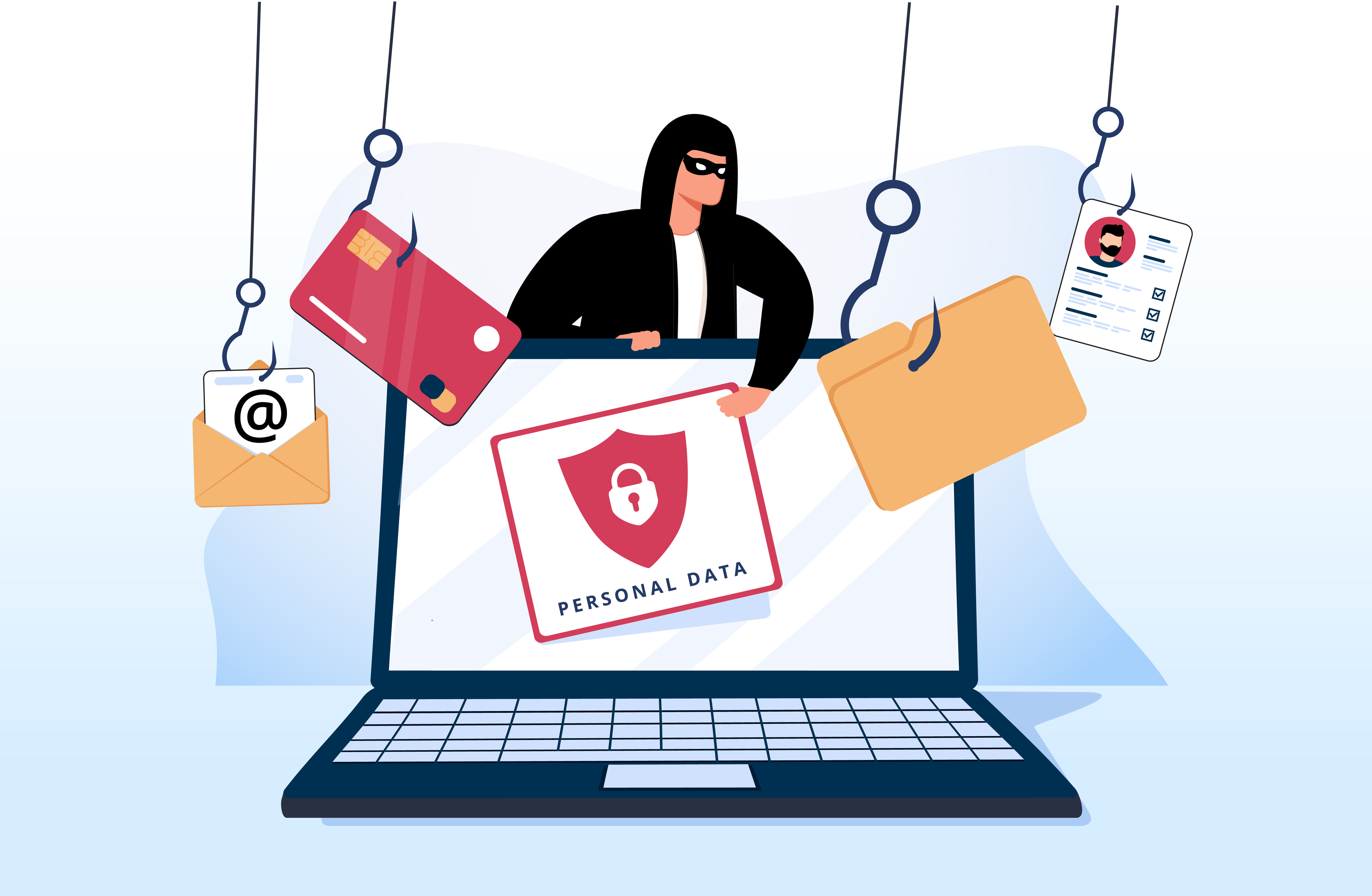
Phishing begins with a fake email or other kind of communication intended to entice a victim. The message is designed to appear as if it came from a known sender. If the victim is tricked, he or she is persuaded to provide private information, which is usually done on a scam website, that looks identical to the legitimate site. Malware is sometimes installed on the target's PC.
A phisher may use public resources, particularly social media, to gather background information about their victim's personal and professional history. These sources are utilized to obtain information such as the name, work title, and email address of the potential victim, as well as their interests and activities. This information can subsequently be used by the phisher to generate a trustworthy false message. For financial benefit, attackers may be satisfied with obtaining a victim's credit card details or other personal data. Phishing emails are sometimes sent in order to collect employee login information or other details for use in a sophisticated assault on a specific company. Phishing is a common starting point for cybercrime attacks such as advanced persistent threats (APTs) and ransomware.
Many people don’t think about what they click on after doing a search.
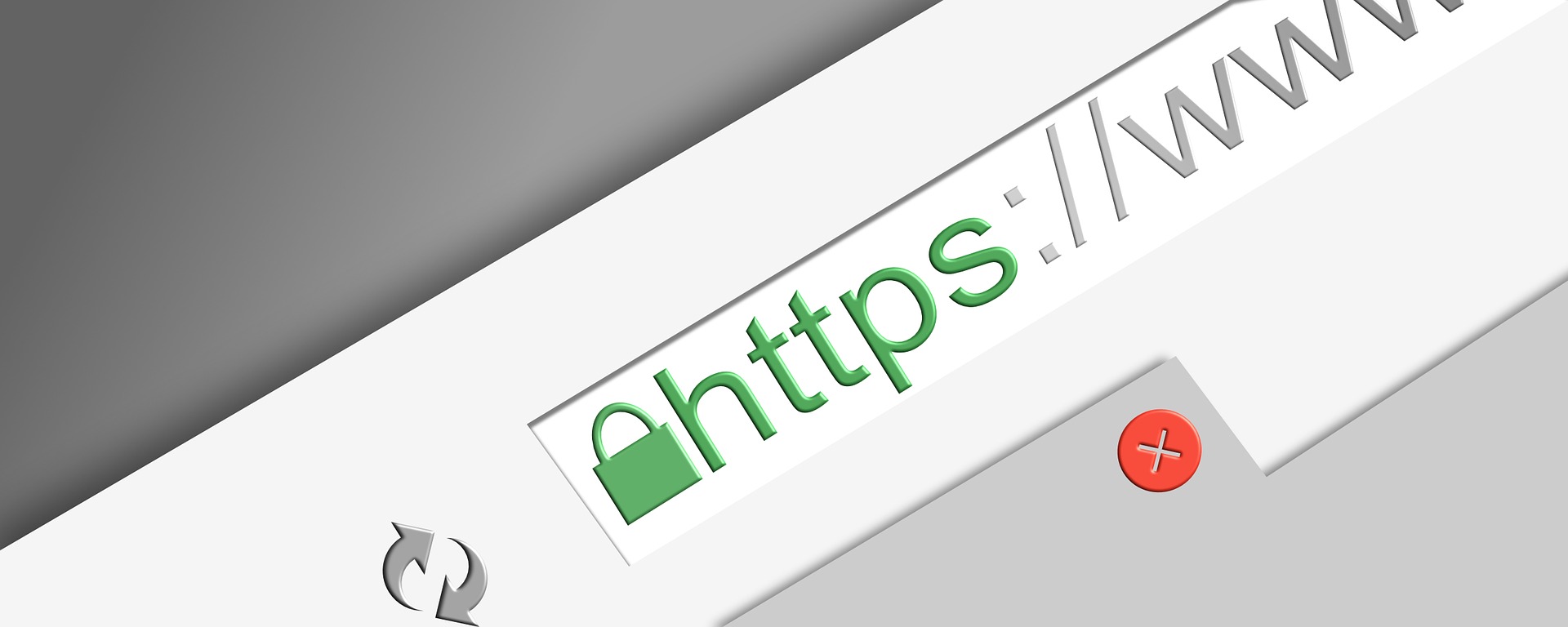
“Secure” is represented by the S in HTTPS. HTTPS encrypts HTTP requests and responses with TLS (or SSL), so an attacker would see a series of seemingly random characters instead of the text.
Even if the website is secured, double check to the spelling of the URLs.
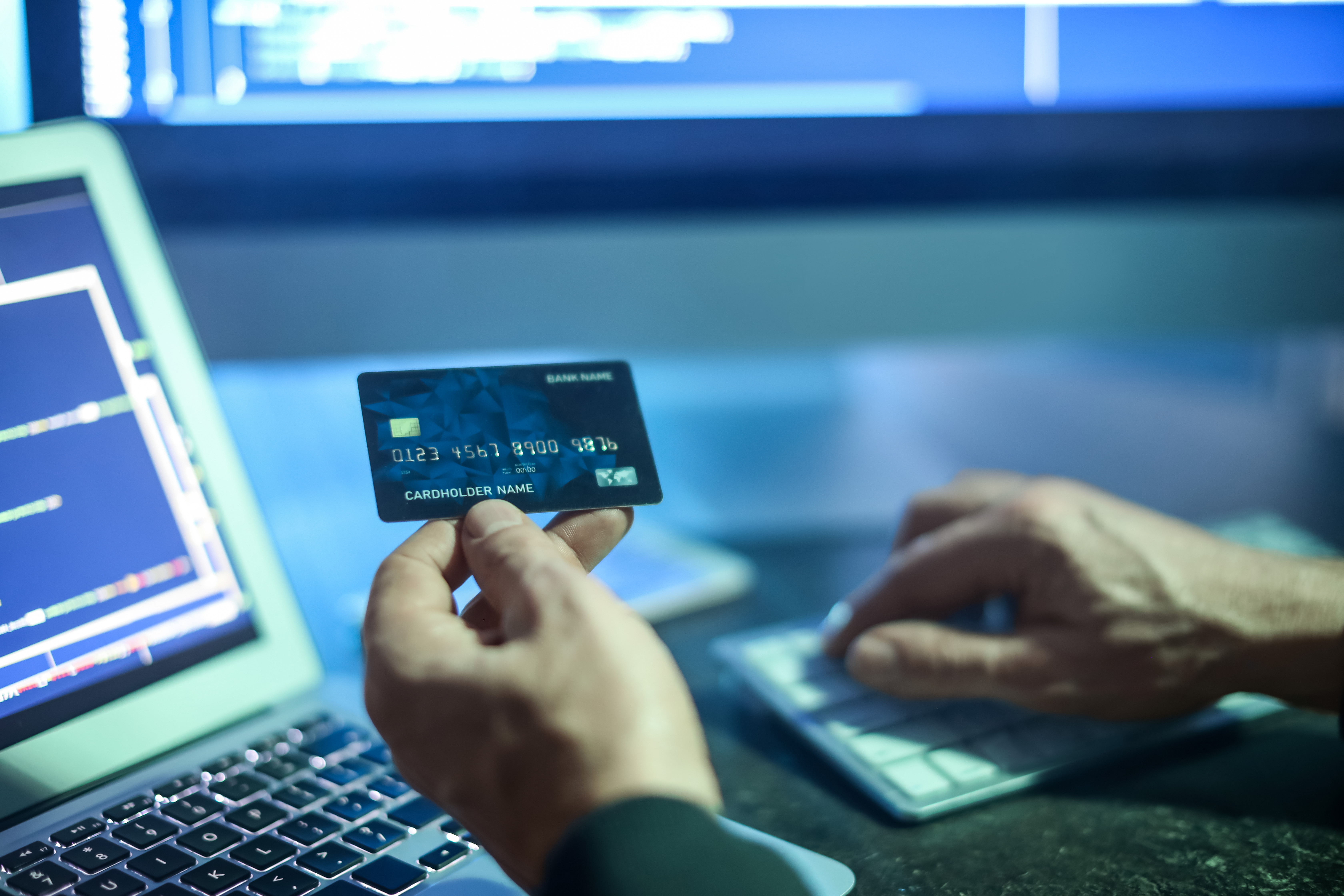
Carding (also known as credit card stuffing or card verification) is an online security threat in which attackers attempt to authorize stolen credit card details in several, concurrent attempts. Bots, or software that performs automated tasks via the Internet, are employed to execute carding. Carding's goal is to figure out which card numbers or data can be utilized to make purchases.
A carding attack can have a negative impact on businesses whose websites are used to approve stolen credit cards, in addition to the damage to card holders. Chargebacks are often the outcome of carding-contested transactions that result in a merchant reversing the transaction and refunding the buyer's money.
Chargebacks can occur for genuine reasons (such as an incorrect purchase or a clerical error), but they are frequently the consequence of fraud techniques such as carding. Every chargeback tarnishes a company's credit card processor's reputation. Carding against a website can result in a bad merchant history as well as chargeback fines.
Carding usually begins with a hacker gaining access to a store's or website's credit card processing system and obtaining a list of recently used credit or debit cards. Hackers could take advantage of flaws in the software and equipment used to protect credit card accounts. They could also obtain credit card information by scanning magnetic strips andcopying the coding.
Credit card information could also be compromised if a hacker gains access to the account holder's other personal information, such as bank accounts, and targets the information at its source. The hacker then sells the list of credit or debit card numbers to a carder, who uses the stolen data to buy a gift card and more.
Fraudsters who want to steal your credit card number through malware have to trick you into downloading infected software first. For instance, they may offer free game downloads that contain spyware, viruses, and other unwanted programs. Using anti-spyware and malware-blocker programs help keep your devices safe by identifying infected software programs and removing them.
Software updates generally improve the performance and security of your device. You can either set automatic security updates on your devices or accept your operating system’s updates as they come up. It’s also a good idea to download software only from well-known trusted sources.
When you get a message from an unknown source, don’t click on links, download attachments, or respond to those messages. If it’s a scammer, they are trying to get you to download malware or get you to share your personal information, such as credit card details. If you’re worried about an account, contact the company through its official website or by phone.
Most credit card issuers offer customized alerts that can help you flag fraudulent charges. For instance, you may be able to get a text message each time your card has been used, a foreign transaction is made, or your balance has crossed a certain threshold. You may be able to catch a fraudulent charge as soon as the carder tries to test your card issuer, it will cancel the transaction and give you a new card with a new account number.